
In the office
Control your existing desk phone via uaCSTA/CSTA straight from the app: dial, answer, hold, transfer (attended or blind) and pick up ringing calls – in sync with the phone on your desk.
At your desk you control your desk phone right from the screen. At home you call as a softphone with a single click – on the same number. GDPR-compliant, hosted in Germany.
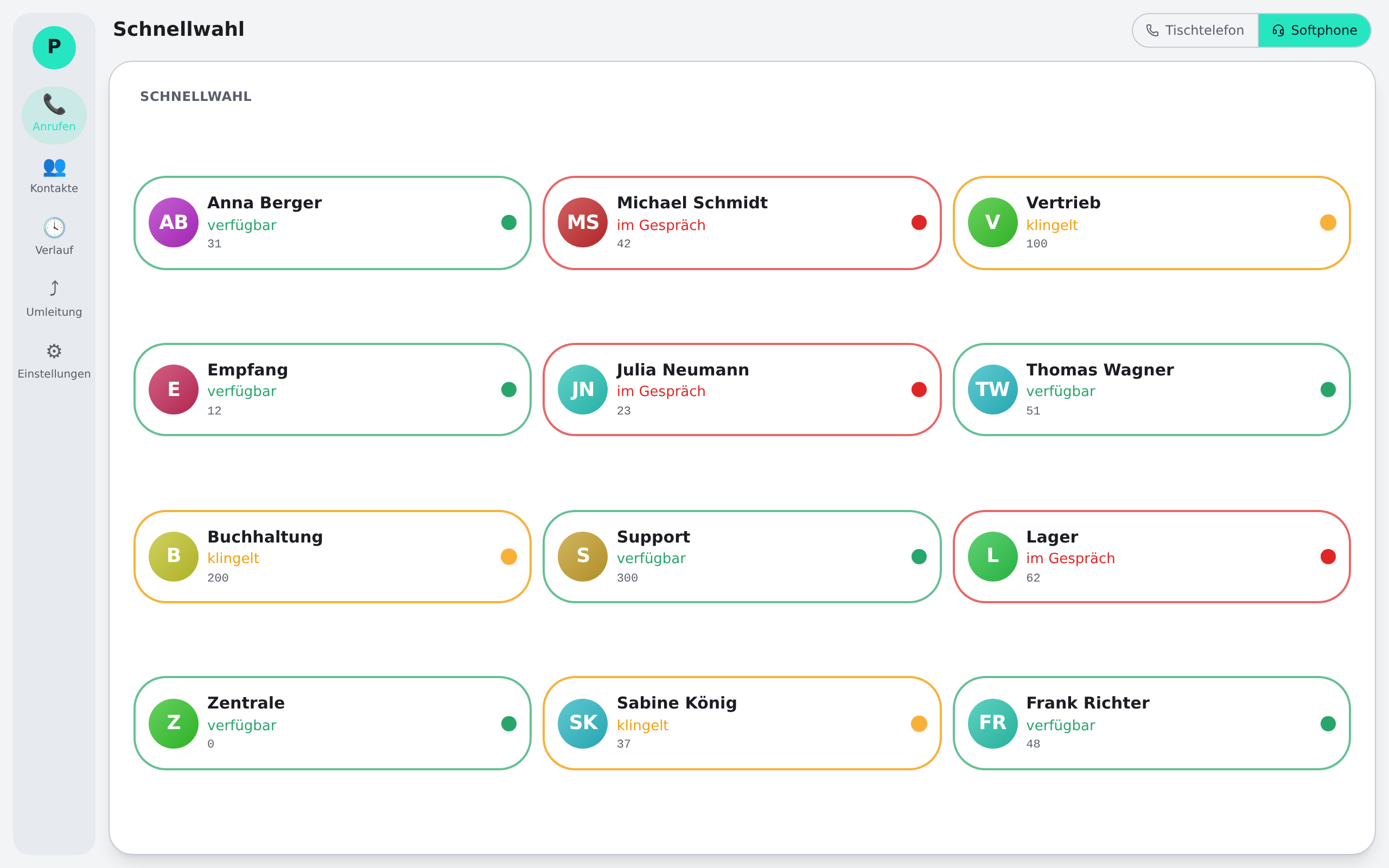
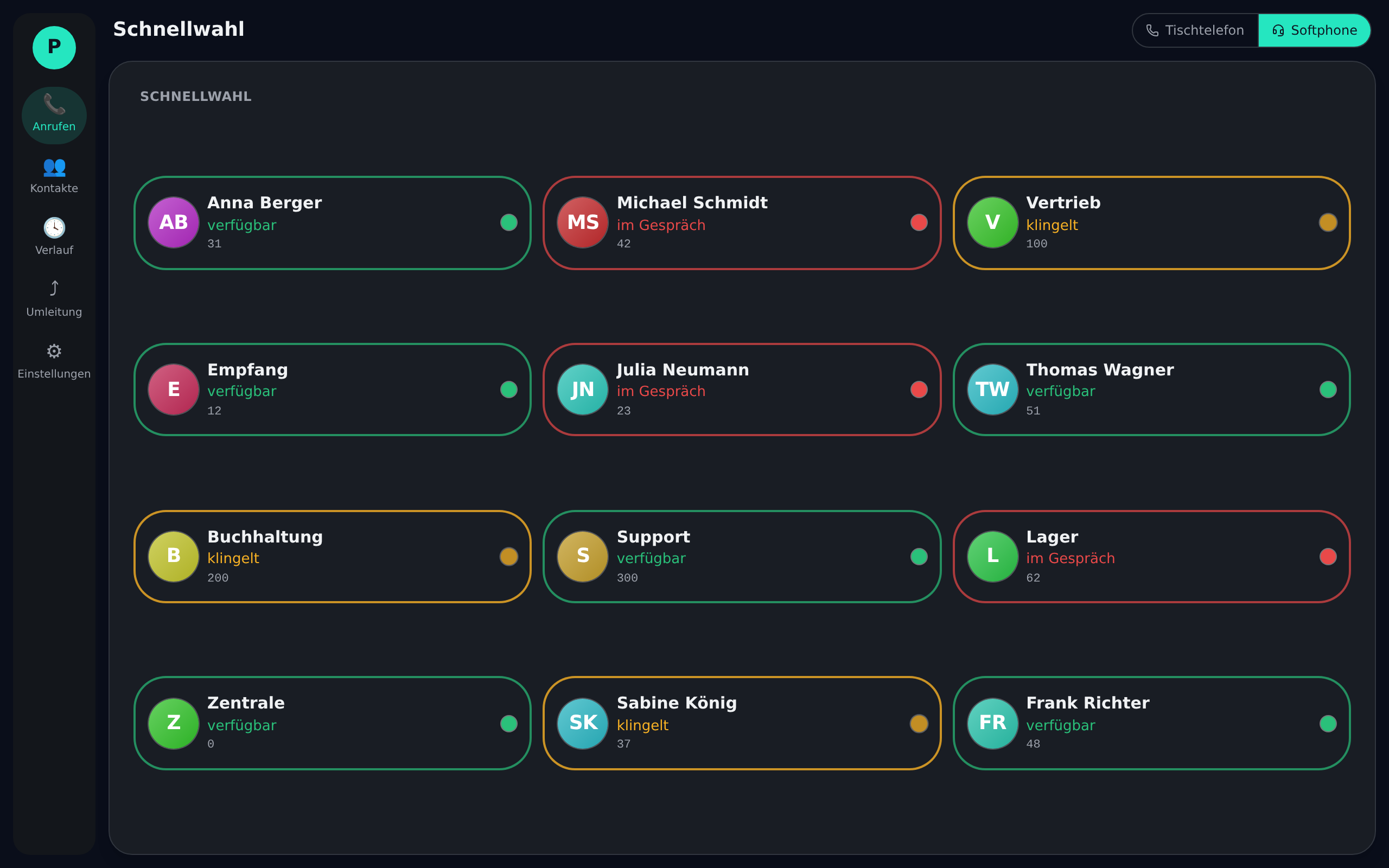
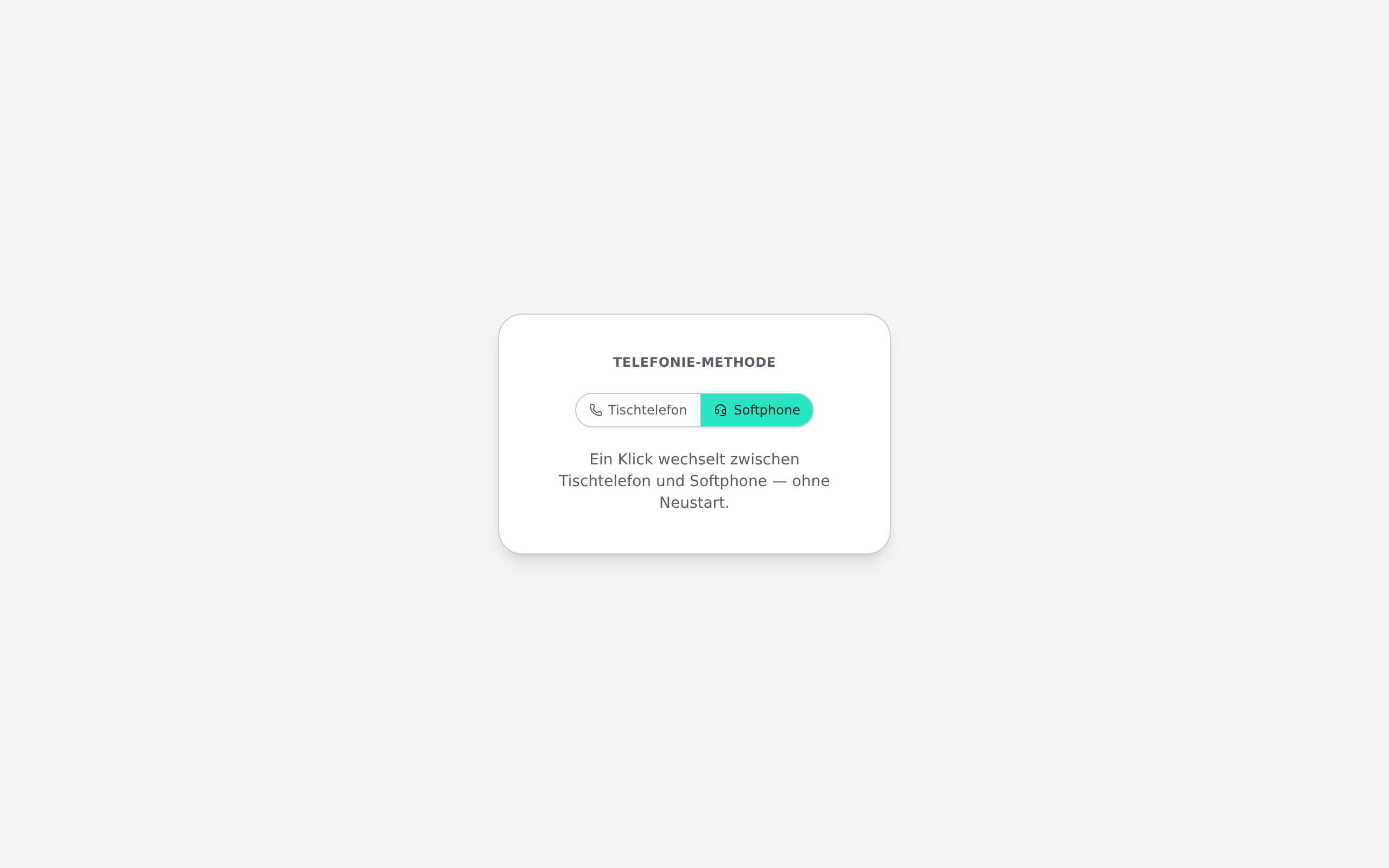
Phoneari adapts to wherever you are – no second number and no second app. Switching takes a single click.
Control your existing desk phone via uaCSTA/CSTA straight from the app: dial, answer, hold, transfer (attended or blind) and pick up ringing calls – in sync with the phone on your desk.
One click on the softphone button and you call over your computer (WebRTC/SIP) – the same number, no extra hardware, just a headset. Ideal for hybrid teams and flexible locations.
From speed dial to call forwarding – concrete tools that make calls faster, more visible and simpler.
In softphone mode you see in real time who on your team is on a call, free or ringing – and dial colleagues with a single click. No more hunting for extensions.
Hold, swap, transfer blind or attended – full call control lives right on your screen, whether you use the desk phone or the softphone.
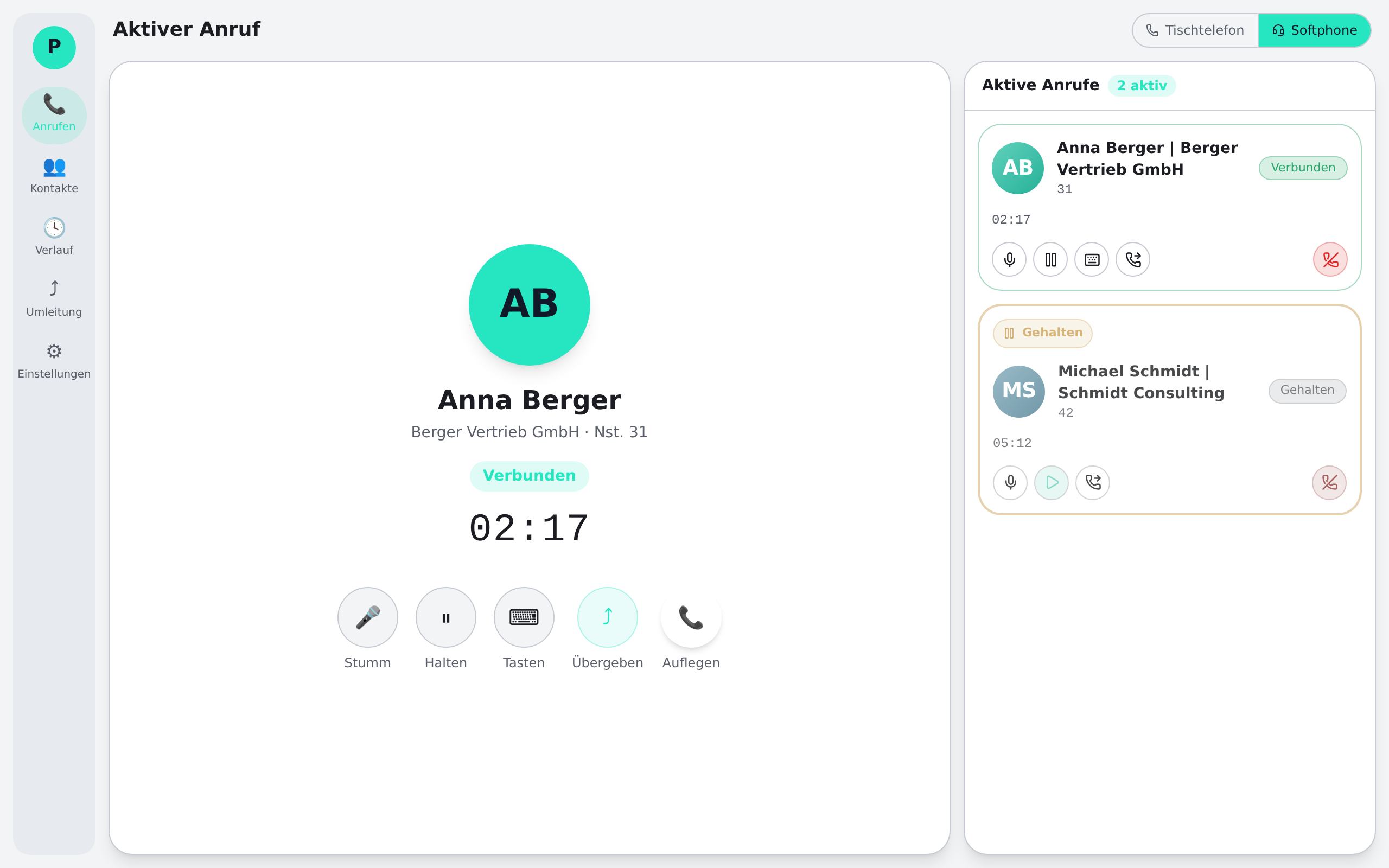
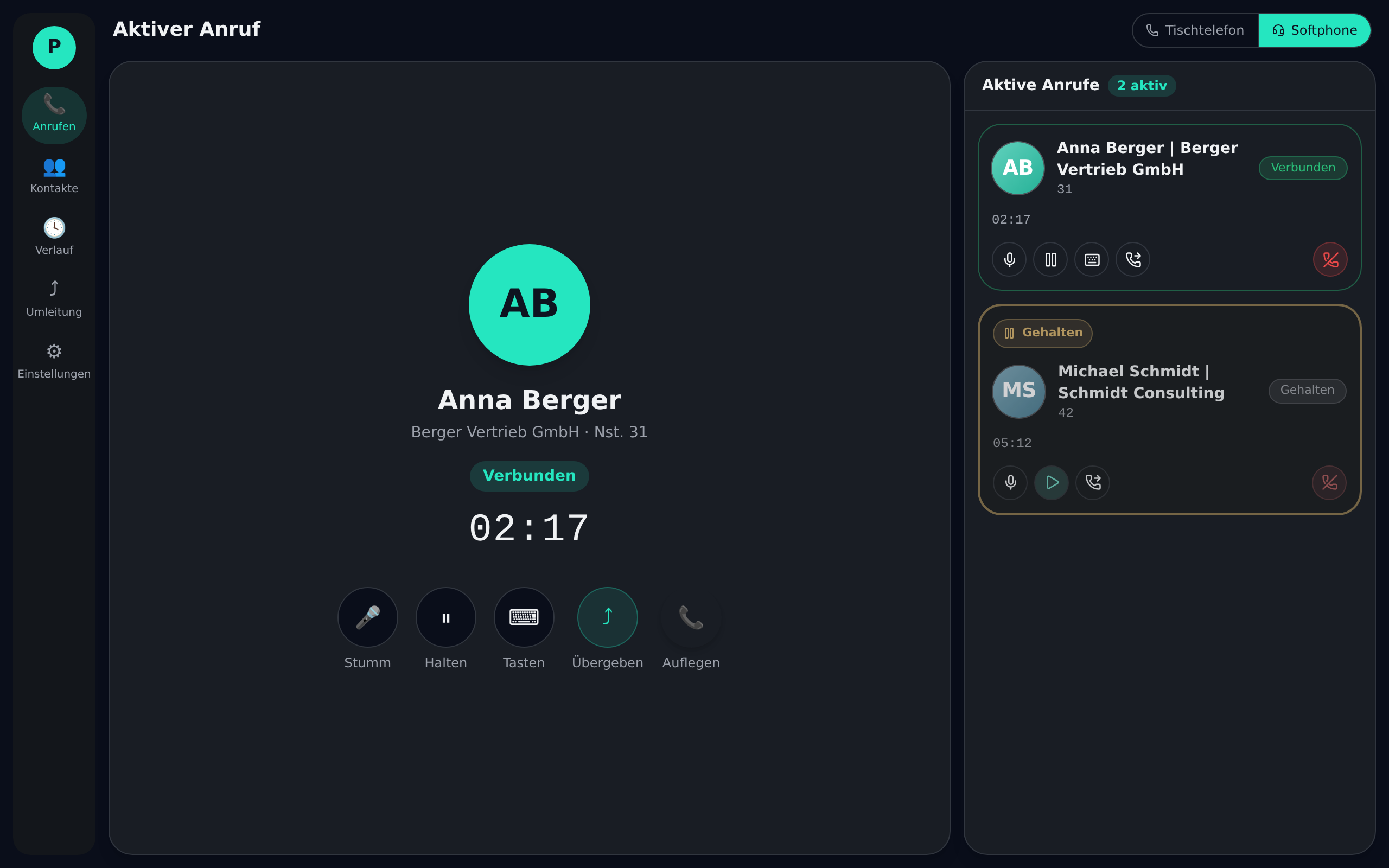
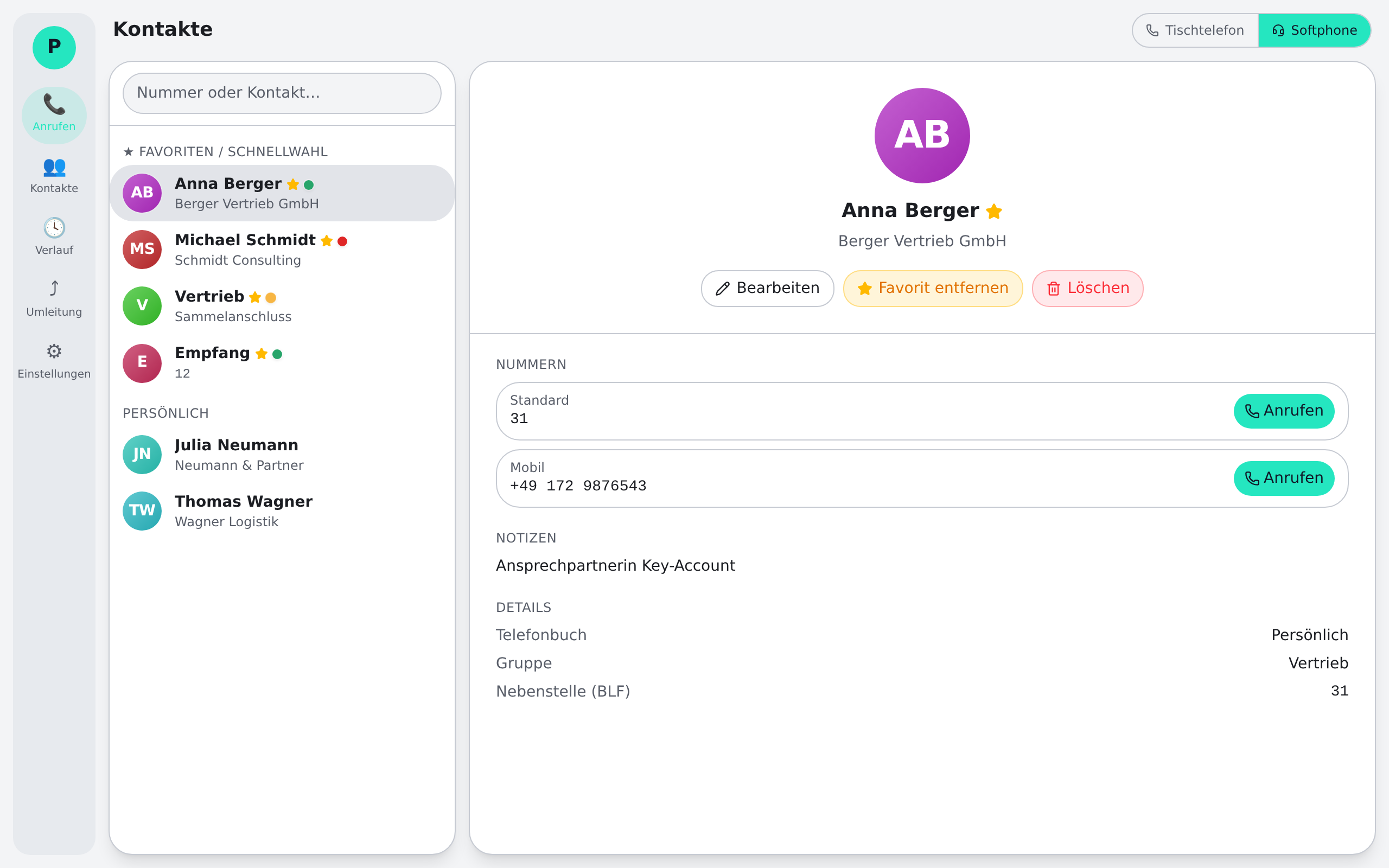
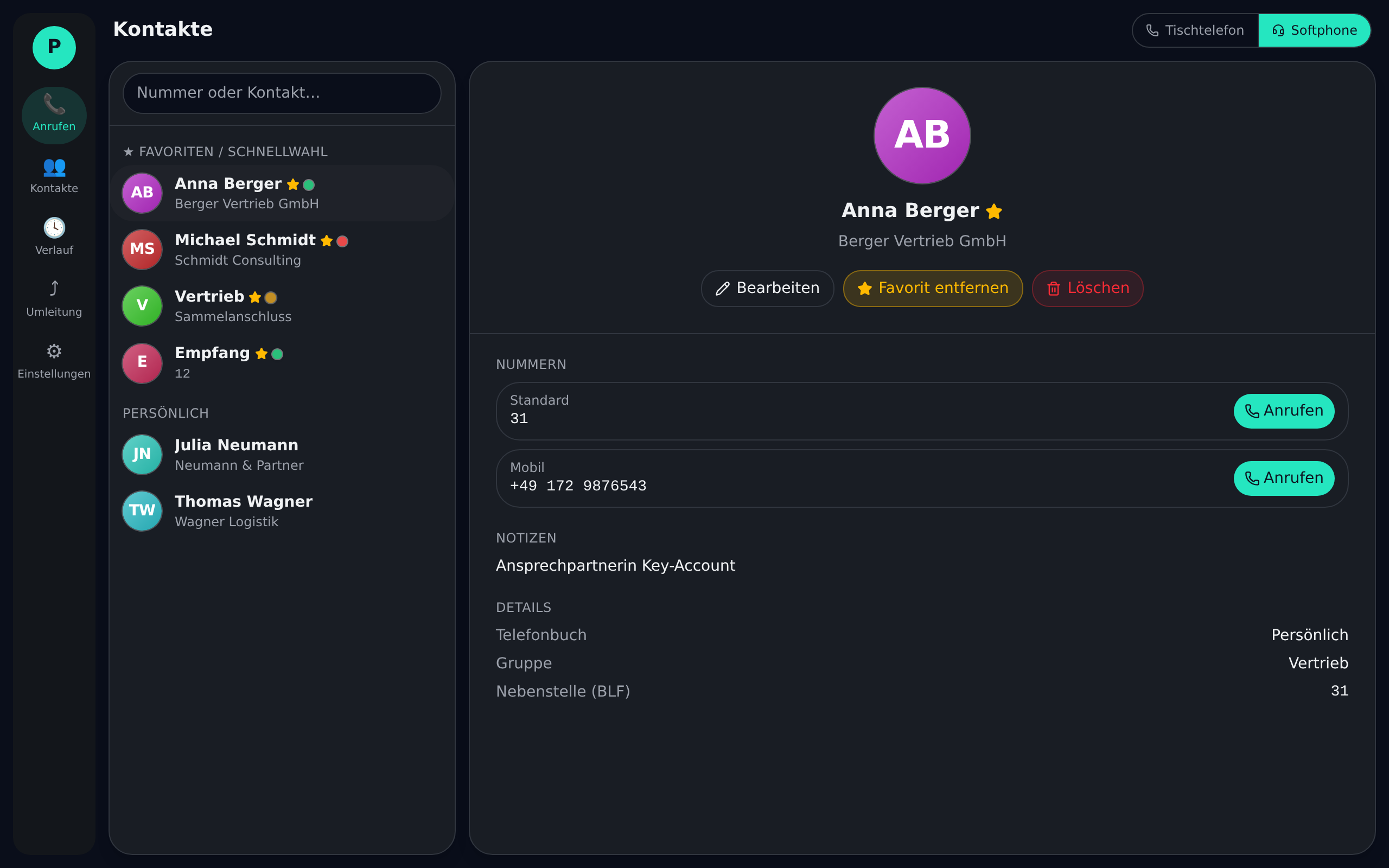
Central company phonebooks and personal contacts sync automatically to every device. Every caller is instantly identified by name.
Missed, answered and dialled calls – complete, searchable and synced across devices. One click to call back.
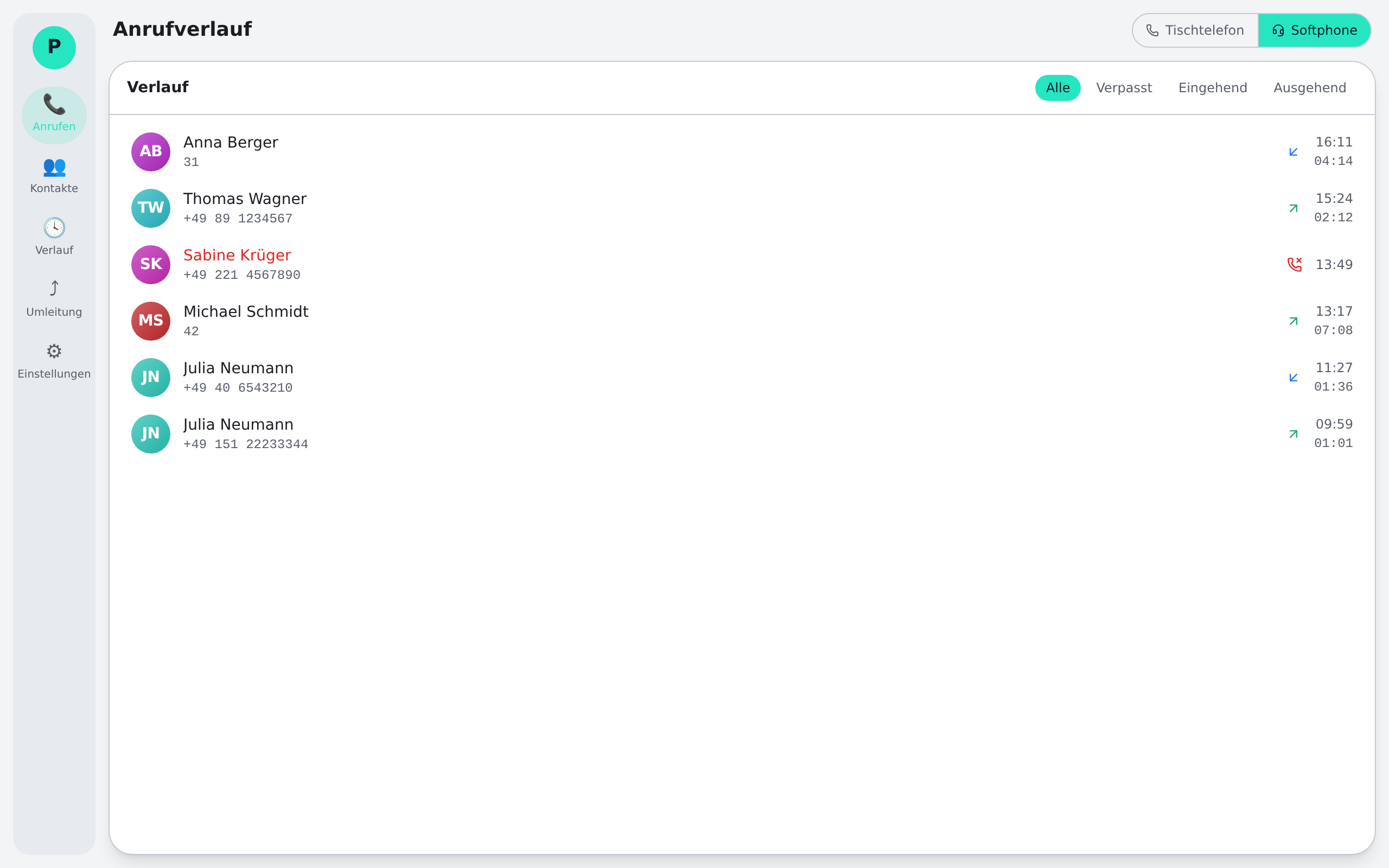
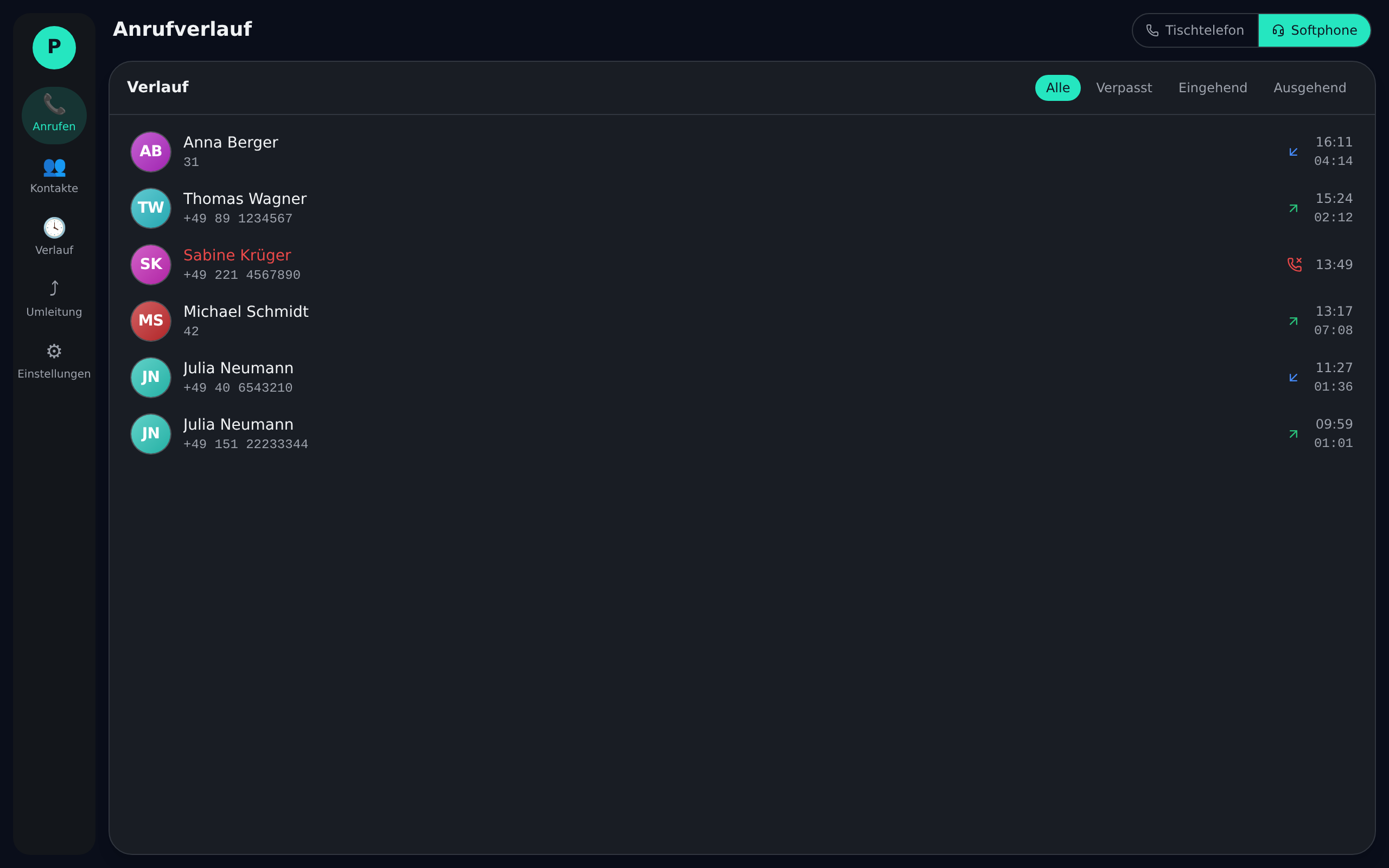
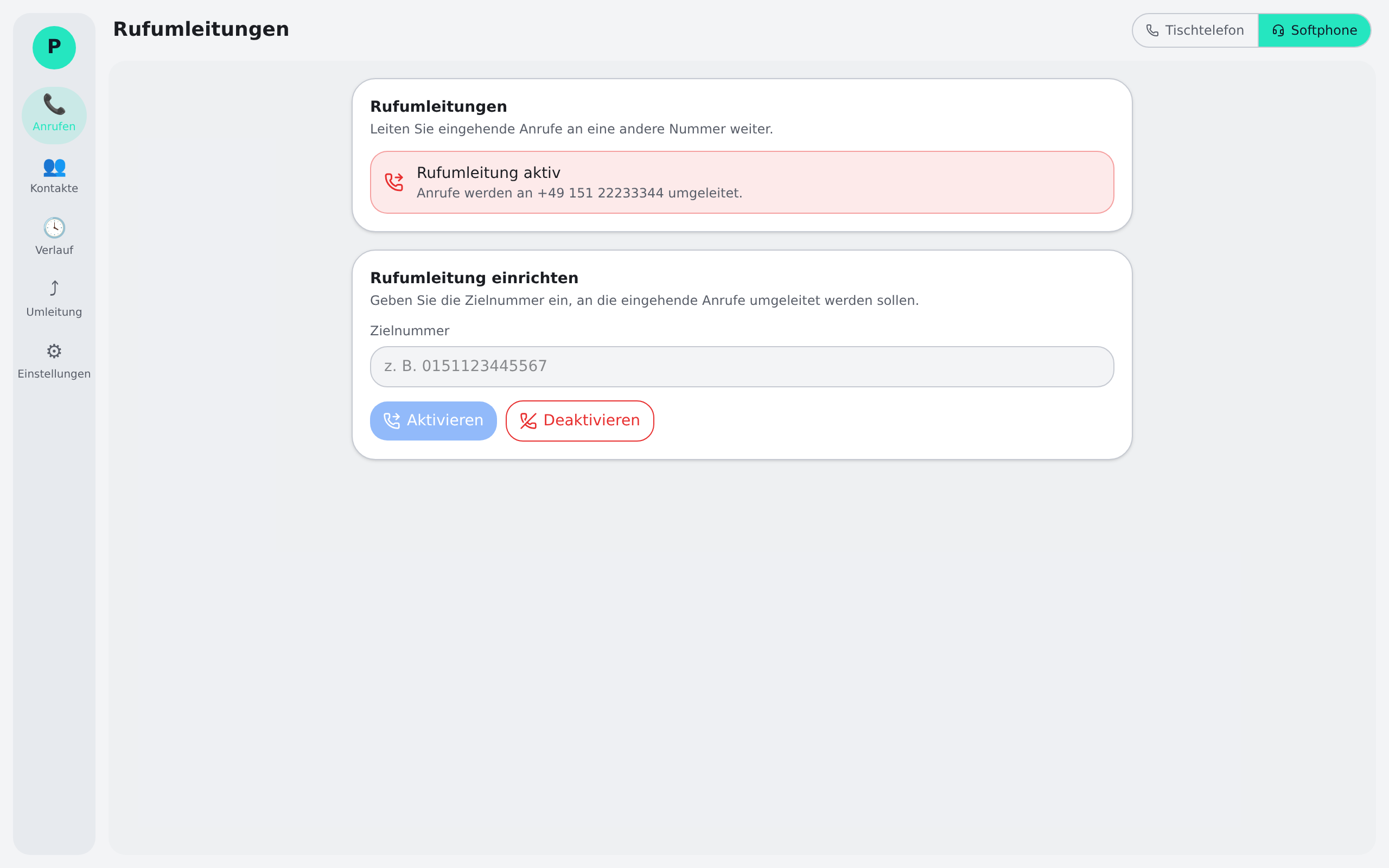
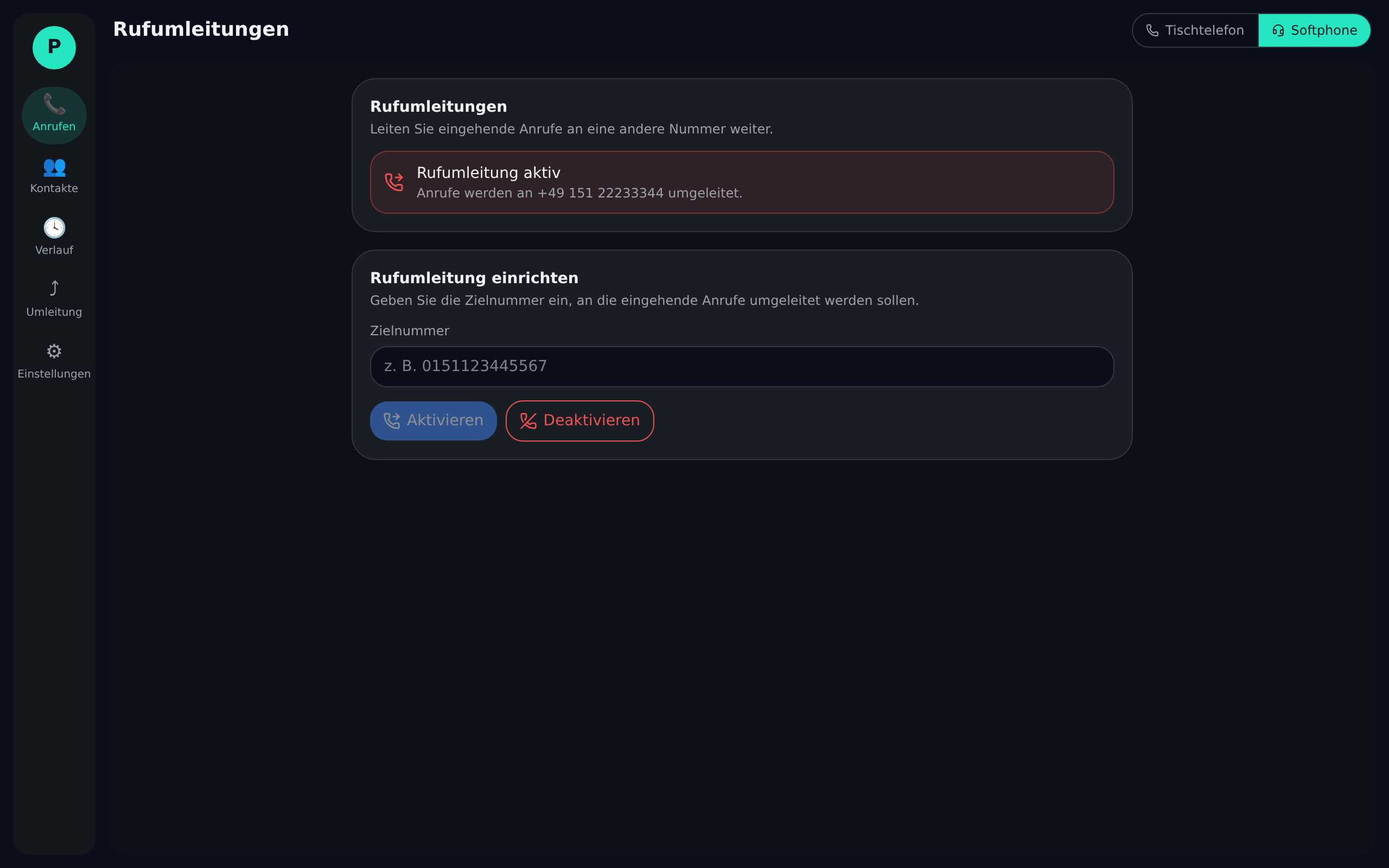
Forward always, on busy or on no-answer – set up right in the app, without cryptic star codes on the phone.
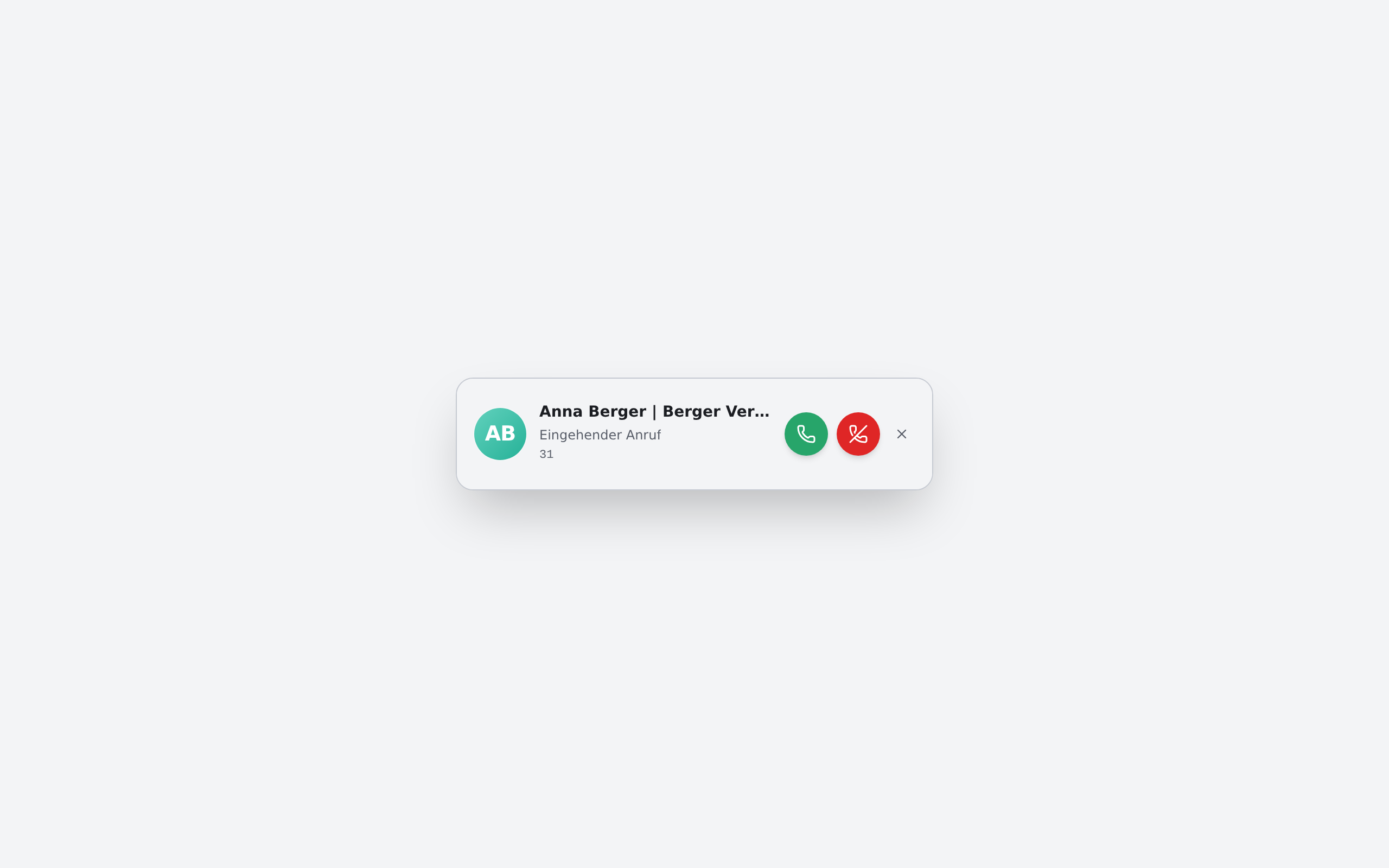
Every incoming call brings a discreet popup with name, company and actions – answer, decline or forward without switching windows.

Data protection and operations are not afterthoughts – they are built in.
Data-minimising processing, secured by a DPA – built for B2B use in Germany and the EU.
Operated on OVH servers in Germany. Your connection and contact data stay in the EU.
On Windows the client updates automatically in the user context – no IT ticket, no admin rights. On macOS the new version is downloaded manually.
Resellers manage multiple customers separately and under their own branding.
Small adjustments that make the difference day to day – per user.
Light, dark or system-driven – plus an accent colour that matches your brand.
Custom ringtones for incoming calls, so you recognise the team by the sound.
Answer, hang up or mute via hotkey – even from any other app.
Separate choice of microphone, speaker and ringing device – headset and speakerphone in parallel.
Interface in German or English, configurable per user.
Fine-tune the position, behaviour and auto-hide of the popup.
Phoneari is the client, not the PBX. It works with your existing SIP phone system – from an on-premise setup to a cloud PBX. Your desk phones and numbers stay in place; Phoneari adds the control surface and softphone capability on top.
For desk-phone control Phoneari uses uaCSTA/CSTA. Compatible models – such as common Yealink devices with CSTA control enabled – can be fully operated from the app: answer, hold, transfer. Without CSTA, the softphone mode is always available.
Yes. One click on the softphone button and you call straight from your computer (WebRTC/SIP) – on the same number as in the office. No extra hardware required, a headset is enough.
Yes. Operations run on servers in Germany (OVH), processing is limited to what is necessary and covered by a data-processing agreement (DPA). Phoneari is a B2B product built for business requirements.
Billing is usage-based and per active user – no PBX investment and no long upfront commitment. For a concrete quote for your team size, reach us at info@phoneari.com.
On Windows yes – updates run automatically in the user context without admin rights, so your users stay up to date with no IT ticket. On macOS you download the new version manually.
The desktop client runs on Windows and macOS. Contacts, call history and settings sync centrally so every workstation shares the same state.
Yes. Phoneari is multi-tenant by design, with reseller management and white-label options. Partners manage their customers separately and under their own branding.
Download the client for Windows and macOS – or sign in to the system directly.