
Mid-sized business
Keep using your existing phone system and still get a modern, centrally managed control surface – without an expensive PBX replacement.
Phoneari adapts to wherever you are – no second number and no second app. At your desk you control the desk phone, on the go you call from the computer.
Phoneari couples to the desk phone on your desk via uaCSTA/CSTA and controls it directly from the app: dial, answer, hold, transfer and pick up – without any cryptic key codes on the device.
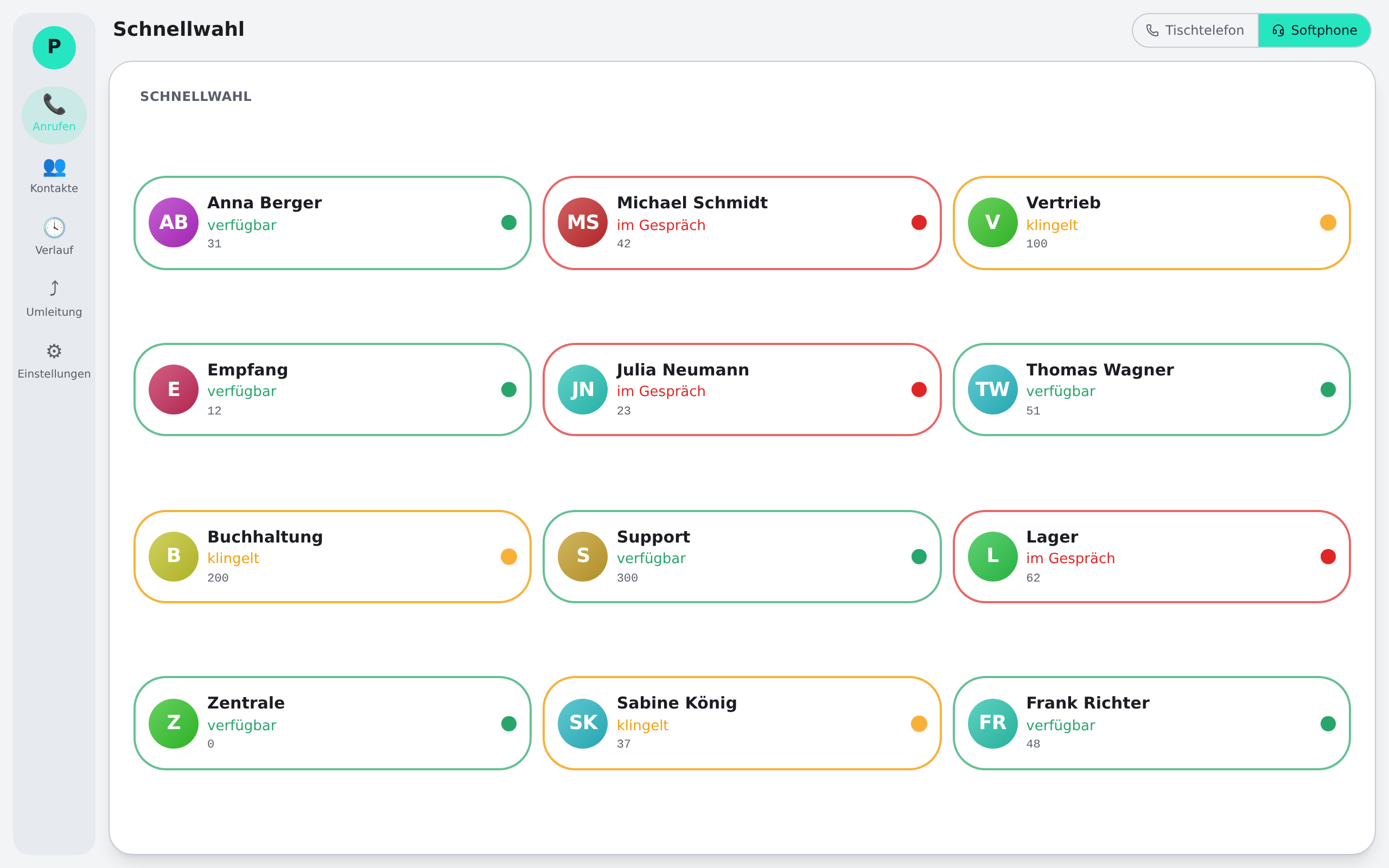
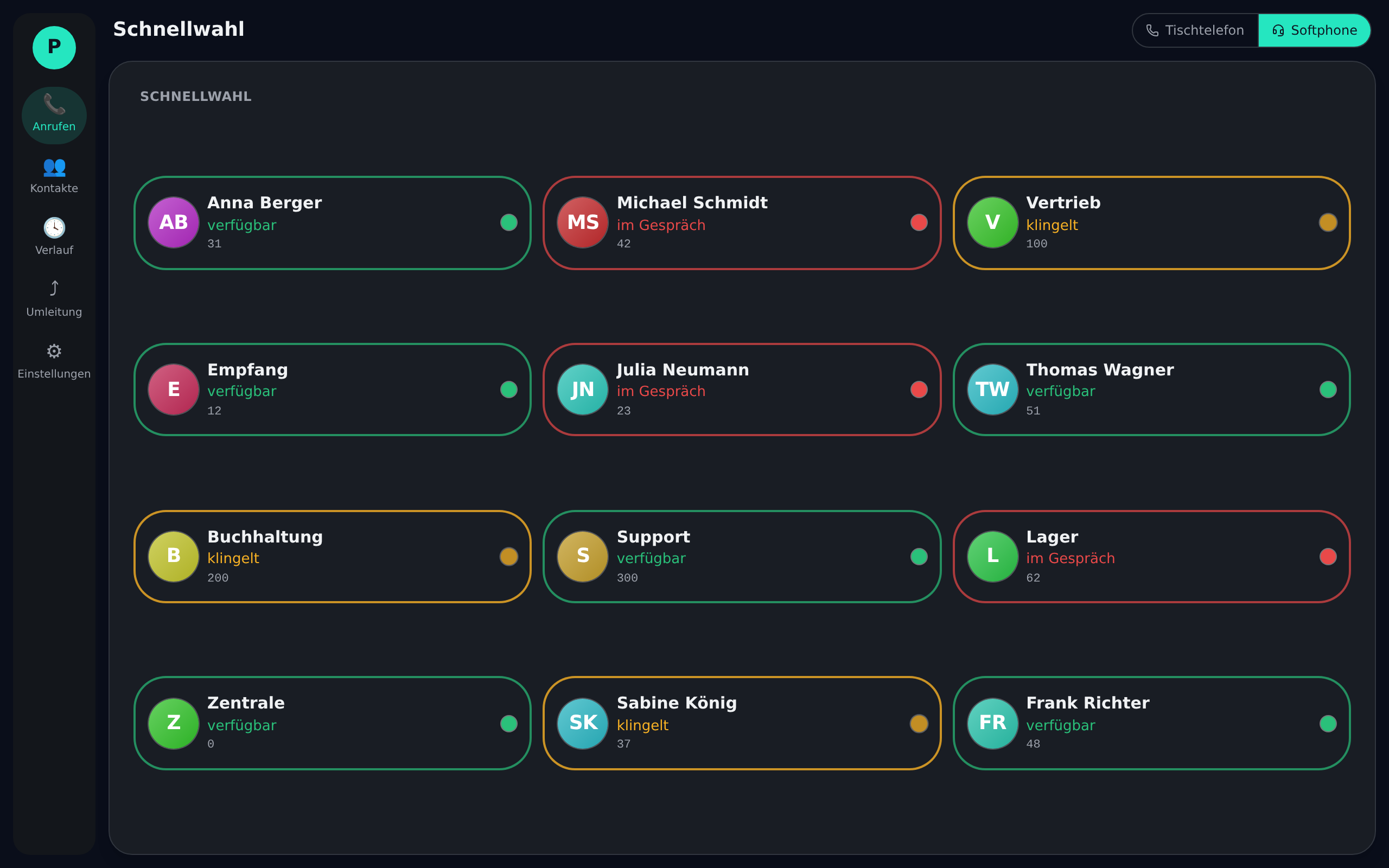
No desk phone at hand? One click on the softphone button and the same client becomes a full softphone (WebRTC/SIP) – on exactly the same number as in the office. A headset is all you need.
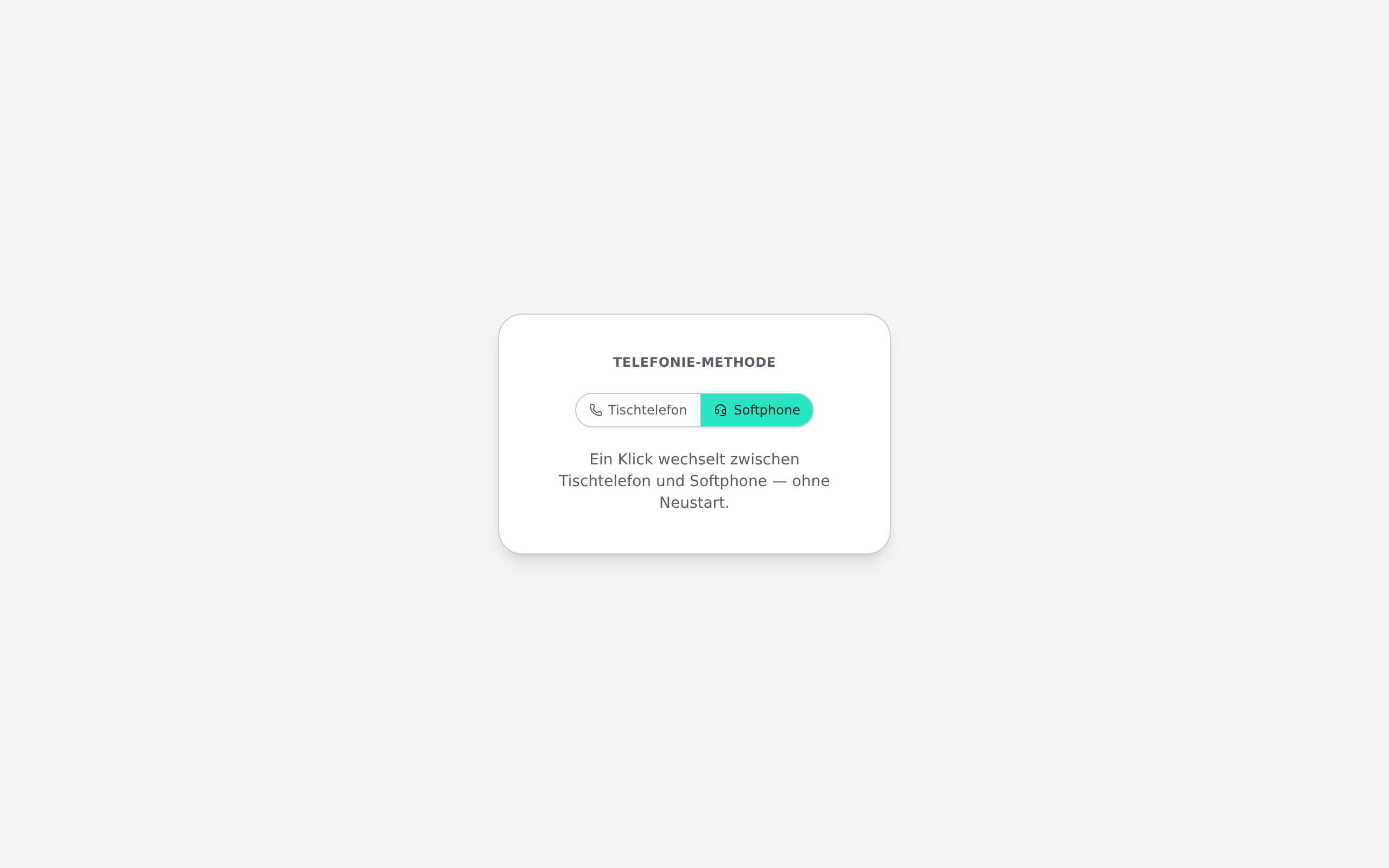
Phoneari does not replace your phone system – it adds a modern control surface and softphone capability on top.
Phoneari is the client, not the PBX. Your existing SIP phone system, your desk phones and your numbers stay exactly as they are.
In the office Phoneari couples to the desk phone via uaCSTA/CSTA and controls it. On the go, the same client registers with the PBX as a softphone (WebRTC/SIP).
Users choose per situation: control the desk phone or call straight from the computer. Always the same number, always the same address book.
Wherever office and home come together and your existing telephony should come along.
Keep using your existing phone system and still get a modern, centrally managed control surface – without an expensive PBX replacement.
Whoever works in the office today and at home tomorrow stays reachable on the same number – switching is a single click, no second app.
Central phonebooks, a cross-device call history and a busy-lamp field connect sites into one team – across country and office boundaries.
Download the client for Windows and macOS – or sign in to the system directly.