
Everything a working day on the phone needs.
From the first ring to the transfer – and beyond. A complete look at every feature, ordered from the most important to the finishing touches.
Core telephony
The essentials for every call – on the desk phone and the softphone, with the same controls.
-
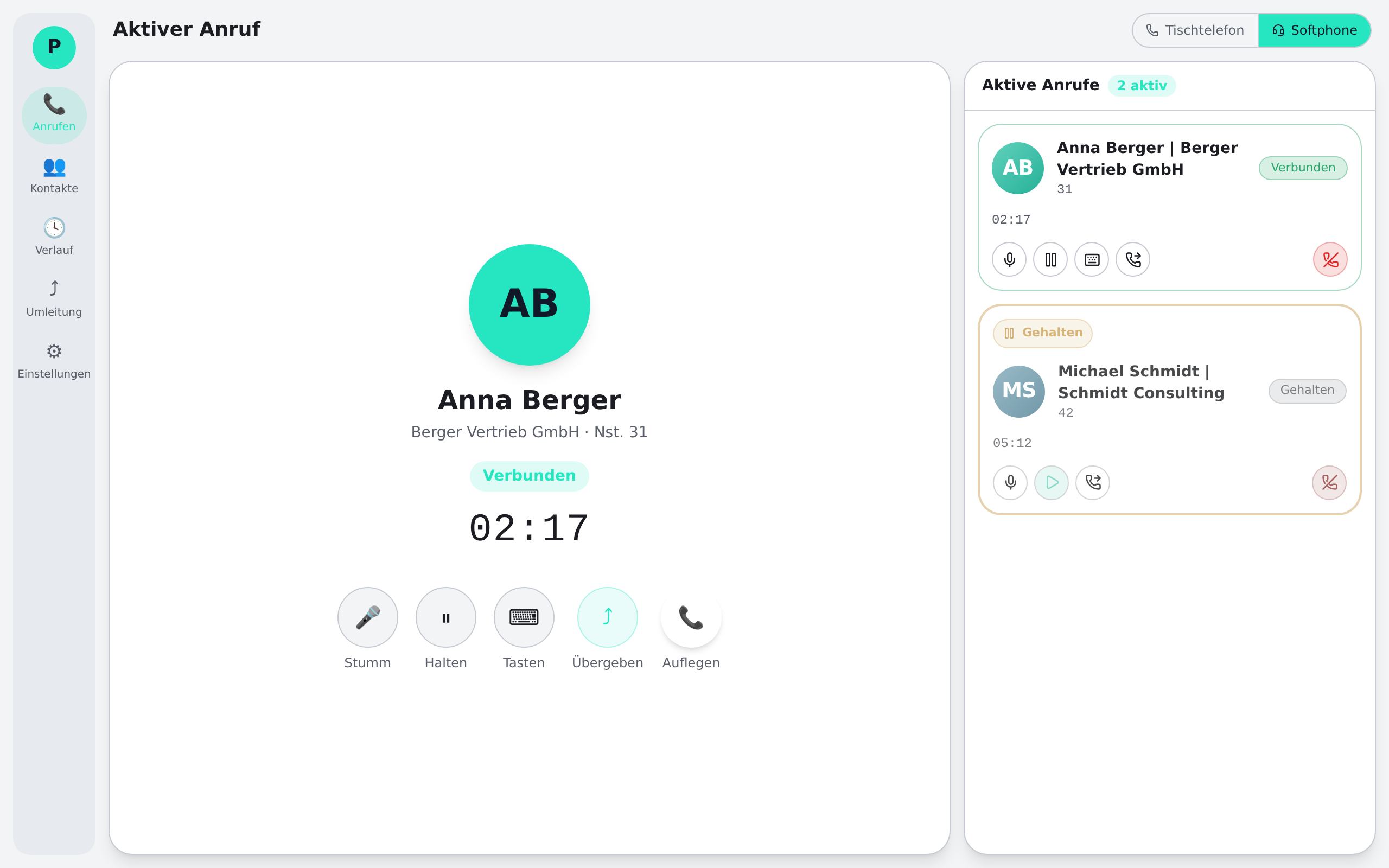
Dual mode: desk phone & softphone
One client for both worlds: control your desk phone in the office, call as a softphone at home – on the same number.
-
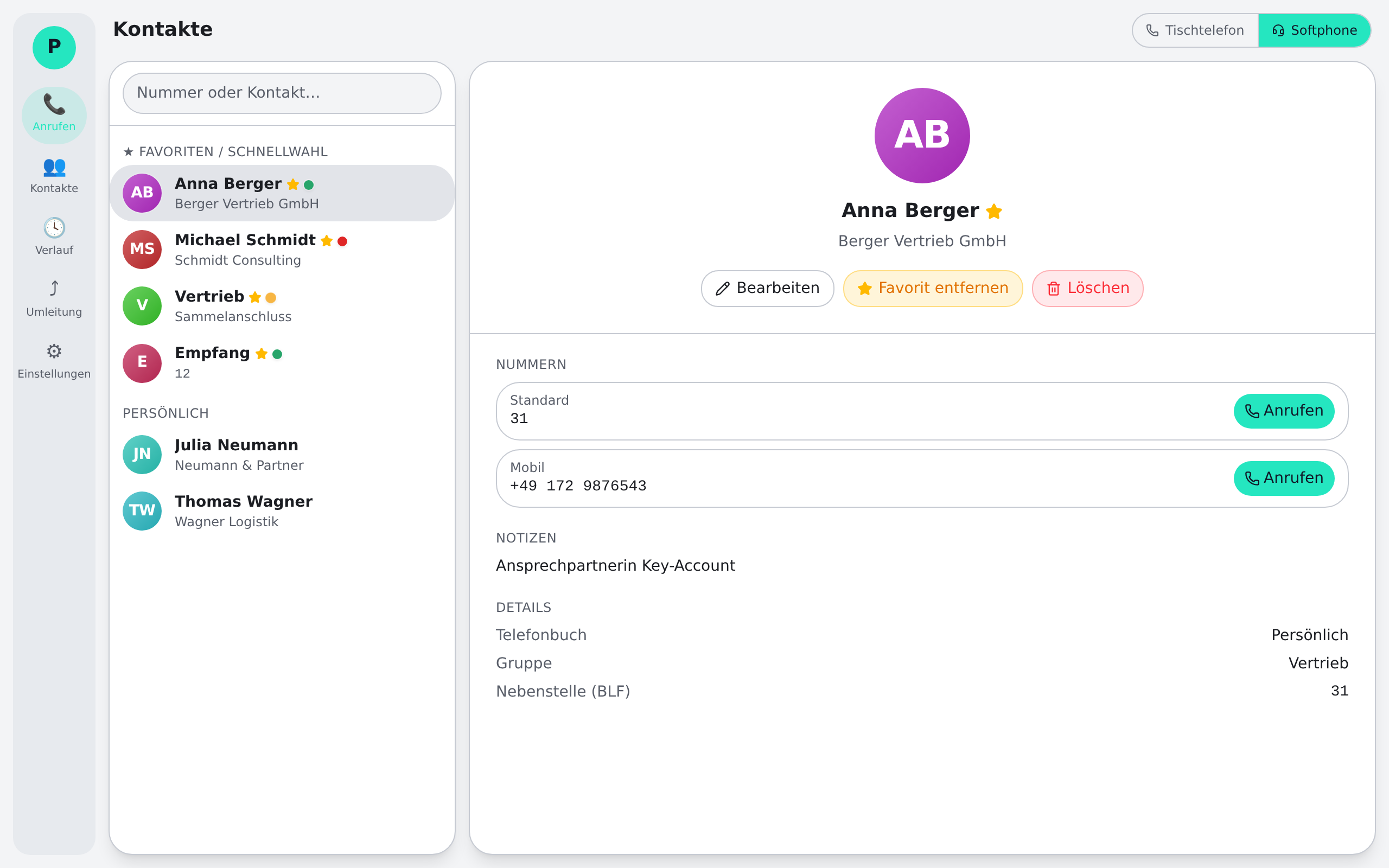
Dialling & speed dial
Type a number, dial from contacts, or reach colleagues with a single click via speed-dial keys.
-
Busy-lamp field (BLF)
In softphone mode you see in real time who is free, on a call or ringing – and pick up ringing calls right away.
-
Answer & call popup
Every incoming call brings a discreet popup with name and company – answer, decline or forward without switching windows.
-
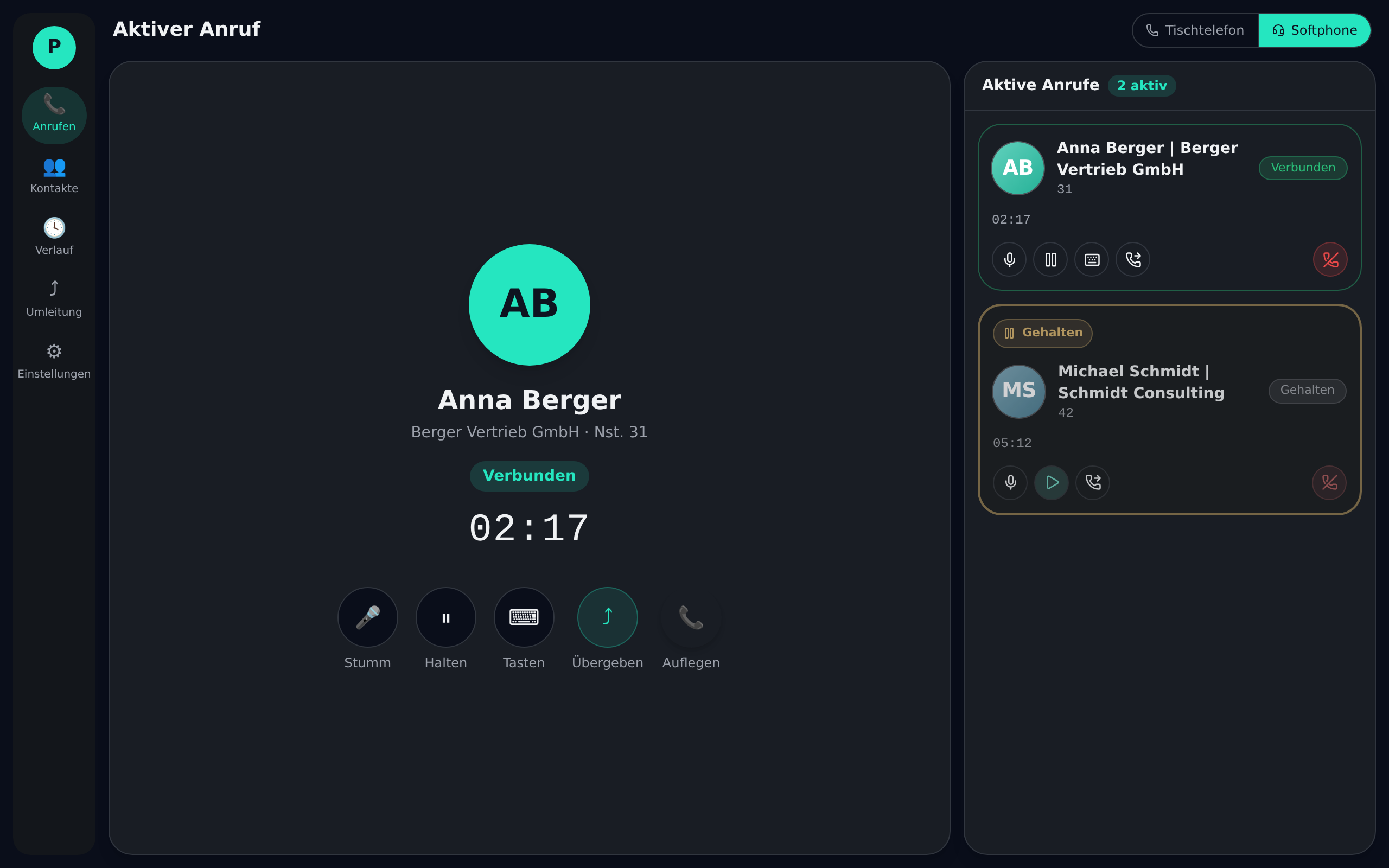
Hold
Park calls and resume them – several in parallel, cleanly organised in the active-call view.
-
Transfer – attended & blind
Transfer attended (announce first, then hand over) or blind in one step – no star codes on the phone.
-
Call pickup
When a colleague’s phone rings, pick up the call to your seat with one click from the busy-lamp field.
Contacts & directories
Every caller is instantly identified by name – central phonebooks and personal contacts always in sync.
-
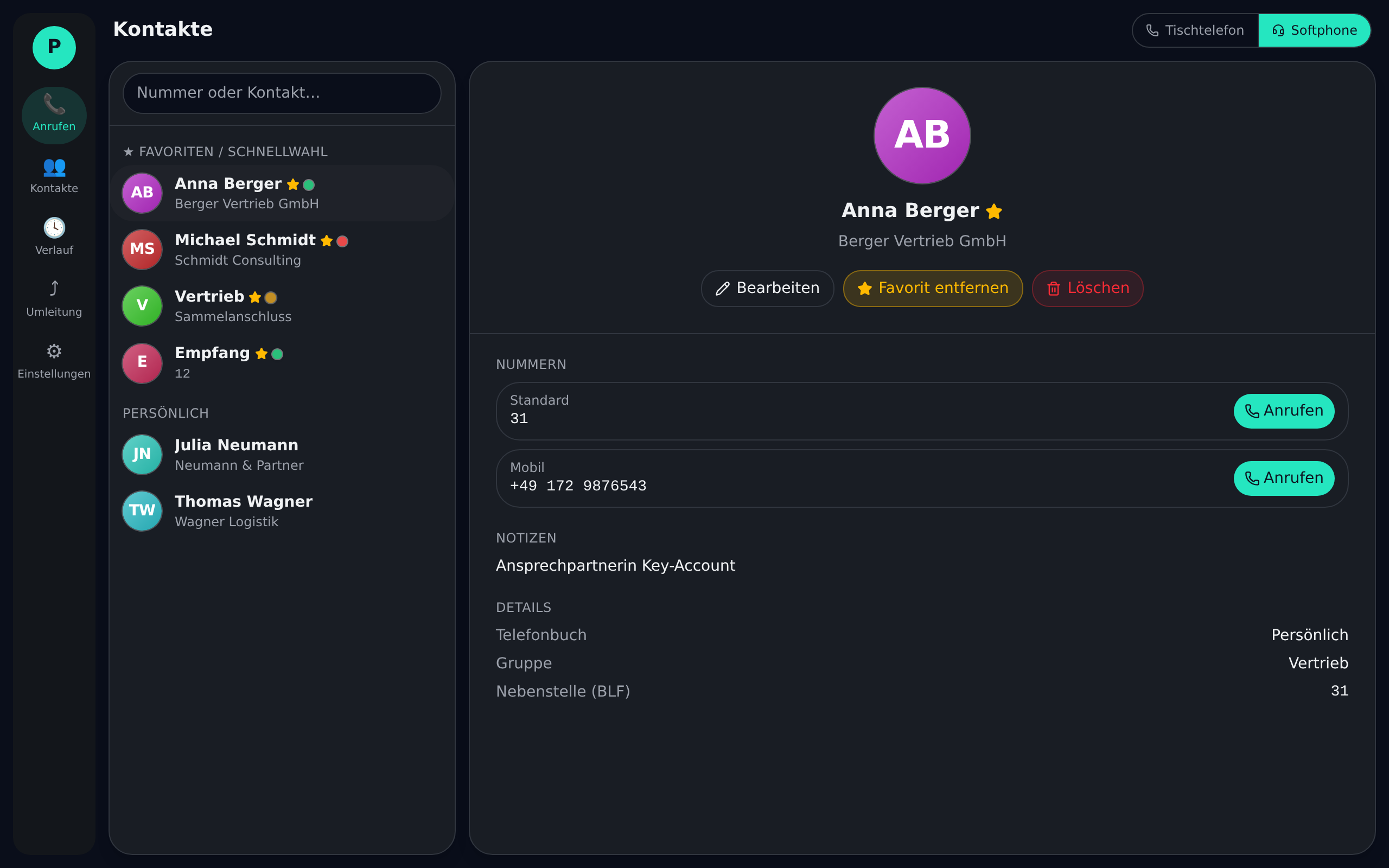
Personal contacts
Keep your own contacts, synced across devices – alongside the company phonebooks.
-
Phonebook sync
Centrally maintained company phonebooks reach every workstation automatically. Maintain once, current everywhere.
-
CTI directory subscriptions
Subscribe to CTI directories selectively – the relevant contact sources appear without manual import.
-
Outlook & Active Directory
Contacts from Outlook and Active Directory flow in, so your familiar contacts are directly available.
-
Live search
Type a name or number – results from every source appear instantly, no tab hopping.
-
Call history with name resolution
Missed, answered and dialled calls – every number is resolved against the directories and shown with a name.
Control & comfort
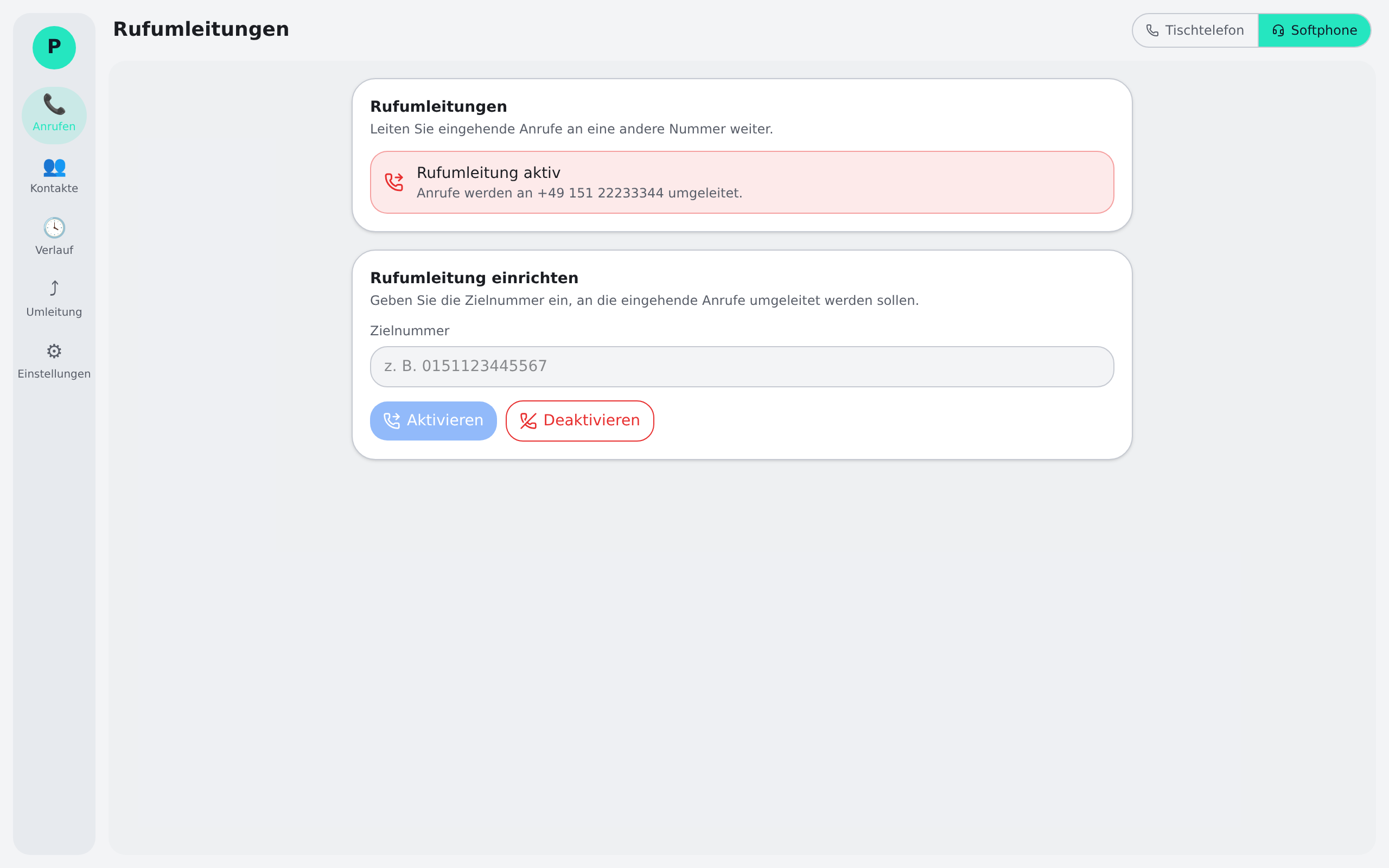
Availability in your own hands: forwarding, block lists and groups without cryptic phone codes.
-
Call forwarding
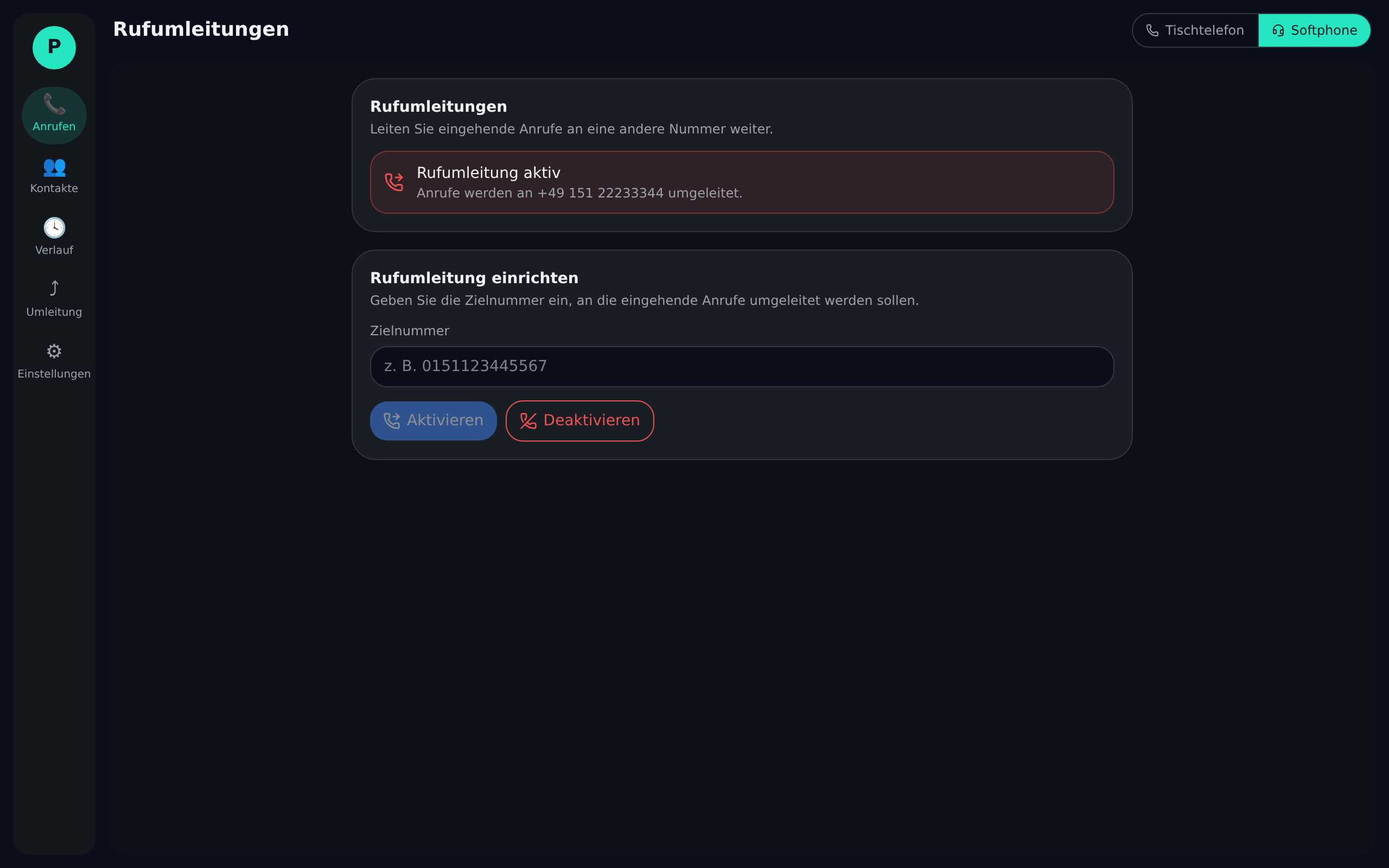
Forward always, on busy or on no-answer – set up in the app in seconds, changeable any time.
-
Personal block list & auto-reject
Automatically reject unwanted numbers – your personal block list keeps nuisance calls away.
-
Ring groups
Distribute incoming calls to a group so no one on the team misses an important call.
-
Voicemail
Record messages when you’re unavailable – conveniently retrievable from the client (optional, depending on your setup).
-
Call recording (optional)
Available on request: record calls in a compliant way where the use case requires it.
Administration & security
Built for enterprise use: multi-tenancy, secure sign-in and auditability – without IT overhead.
-
Multi-tenant
Manage multiple customers in strict isolation – data, users and settings stay separate per tenant.
-
Reseller white-label
Partners serve their customers under their own branding – their brand, not someone else’s logo.
-
Microsoft SSO
Sign in via Microsoft Entra ID (OIDC) – your users keep their familiar company account, no extra password (when configured by the customer).
-
Two-factor authentication (2FA)
Extra protection for access – a second factor secures accounts against unauthorised access.
-
Audit log
Security-relevant actions are logged – traceable who changed what and when.
-
Consent & compliance
Legal documents with a consent gate and DPA – data protection is anchored in the flow, not an afterthought.
-
Auto-update without admin (Windows)
On Windows the client updates automatically in the user context – no IT ticket, no admin rights. On macOS the new version is downloaded manually.
-
EU hosting & GDPR
Operated on servers in Germany (OVH), data-minimising processing, covered by a DPA – built for B2B use in the EU.
Customisation
Small adjustments that make the day nicer – configurable per user.
-
Themes & accent colour
Light, dark or system-driven – plus an accent colour that fits your brand.
-
Ringtones
Custom ringtones for incoming calls, so you recognise the team by the sound.
-
Keyboard shortcuts
Answer, hang up or mute via hotkey – global, even from any other app.
-
Audio devices
Separate choice of microphone, speaker and ringing device – headset and speakerphone in parallel.
-
UI zoom
Scale the interface larger or more compact – comfortable on any screen.
-
Language
Interface in German or English, configurable per user.
-
Popup options
Fine-tune the position, behaviour and auto-hide of the call popup.
Ready for the full feature set?
Download the client for Windows and macOS – or sign in to the system directly.